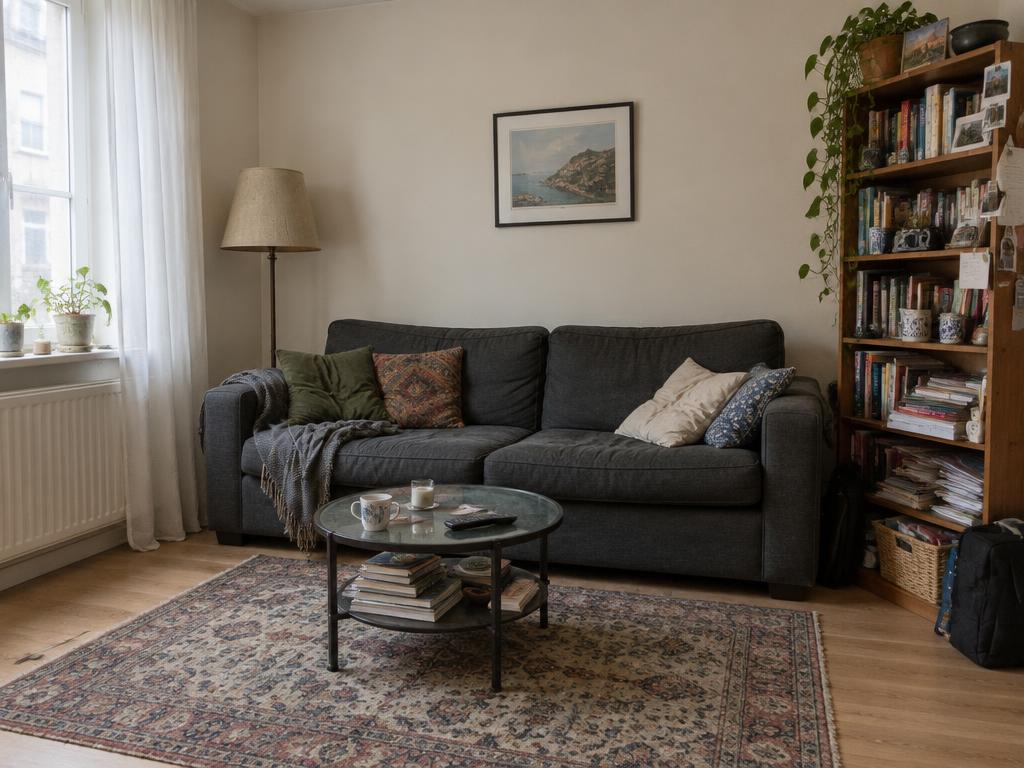
01
Shoot your room
Point your phone at the space you want to change. One photo is all the engine needs — or pick one of our empty-room templates to play first.
How it works
Upload a photo of your own room or pick a template, then design it with real furniture in our room designer.
A quick walkthrough: upload your own photo or start from a template, clear the room, drag furniture into place, and follow the links to the maker's site when you find something you love.
Point your phone at the space you want to change. One photo is all the engine needs — or pick one of our empty-room templates to play first.
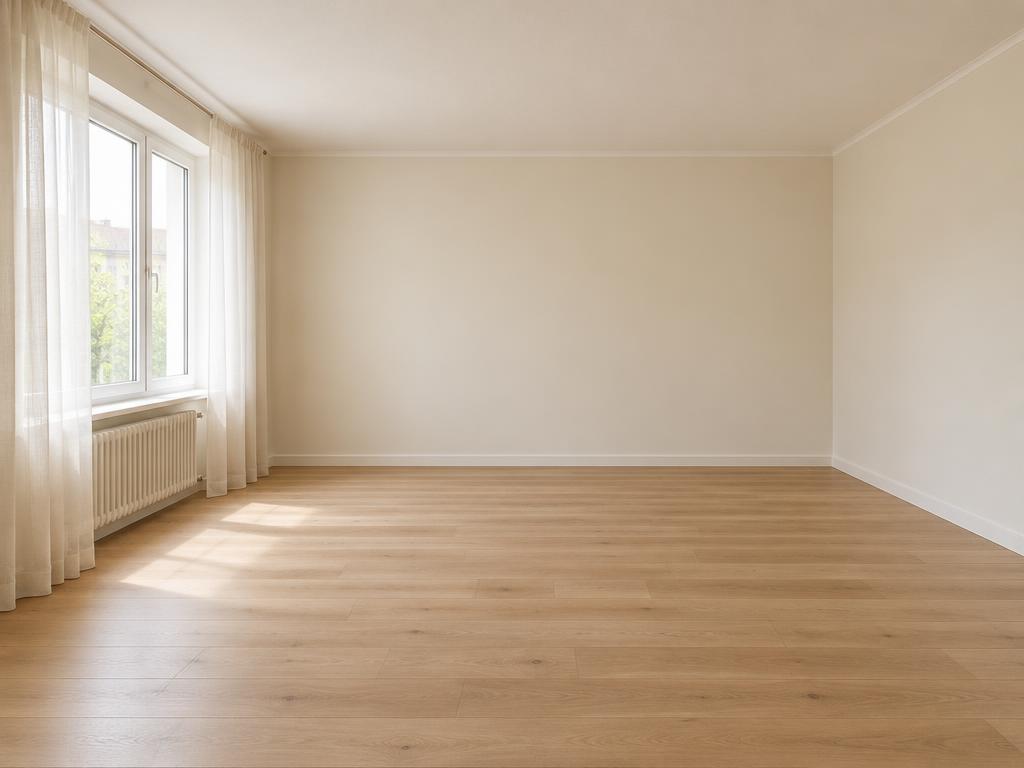
Our AI wipes away the furniture you have, leaving a clean canvas in seconds. Your walls, floors and light stay exactly as they are.
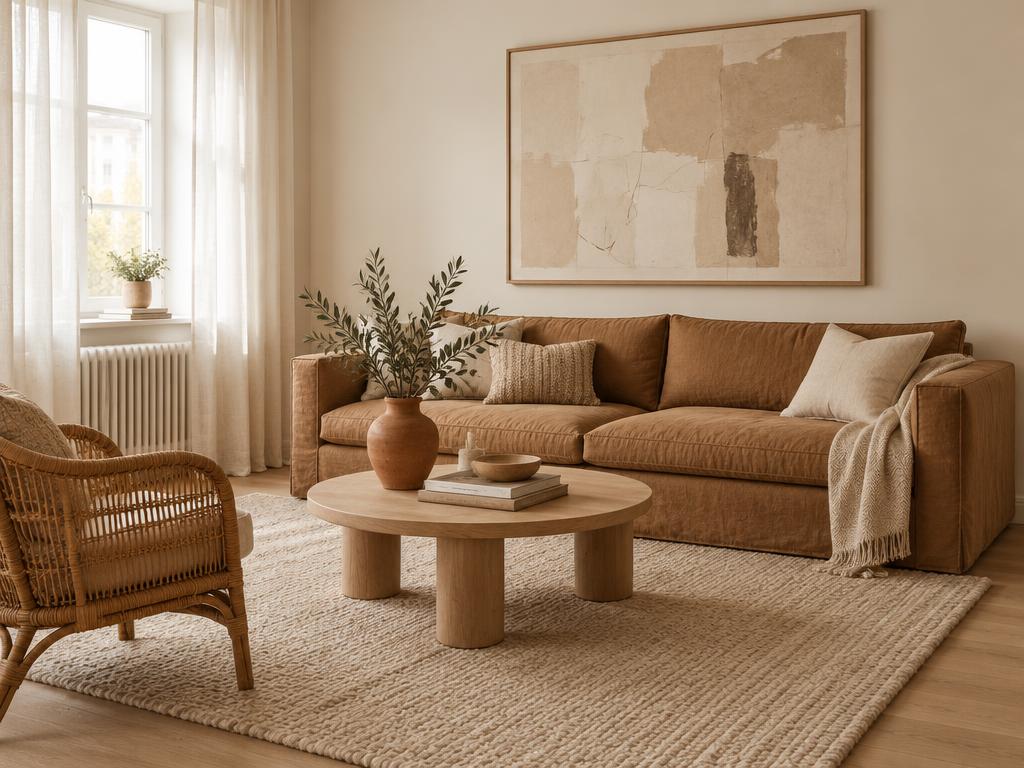
Drop pieces from the catalog into your room. Drag, resize, rotate and mirror them until they sit right, right in the DifferView Room Editor.
Every piece you add stays fully editable: drag it across the room, resize it, rotate it, mirror it, and choose which wall it stands against so the perspective looks right.
Every piece sits in your room with soft, natural shadows as you place it — no waiting. Download your design or shop each piece directly.
Save any design as a named plan with all furniture positions and wall colours, favourite the pieces you love, and pick everything up again later.
Every piece links straight to the maker's shop, so when something looks right in your room you can buy it there. DifferView is free — no subscription, no card.